

Grid in CSS – What Is CSS Grid Layout Module?
The CSS Grid Layout Module makes browsers display the selected HTML elements as grid box models.
Grid allows you to easily resize and reposition a grid container and its items two-dimensionally.
Grid Container vs. Grid Item: What’s the Difference?
Section titled “Grid Container vs. Grid Item: What’s the Difference?”A grid container is an HTML element whose display property’s value is grid or inline-grid.
A grid item is any of the direct children of a grid container.
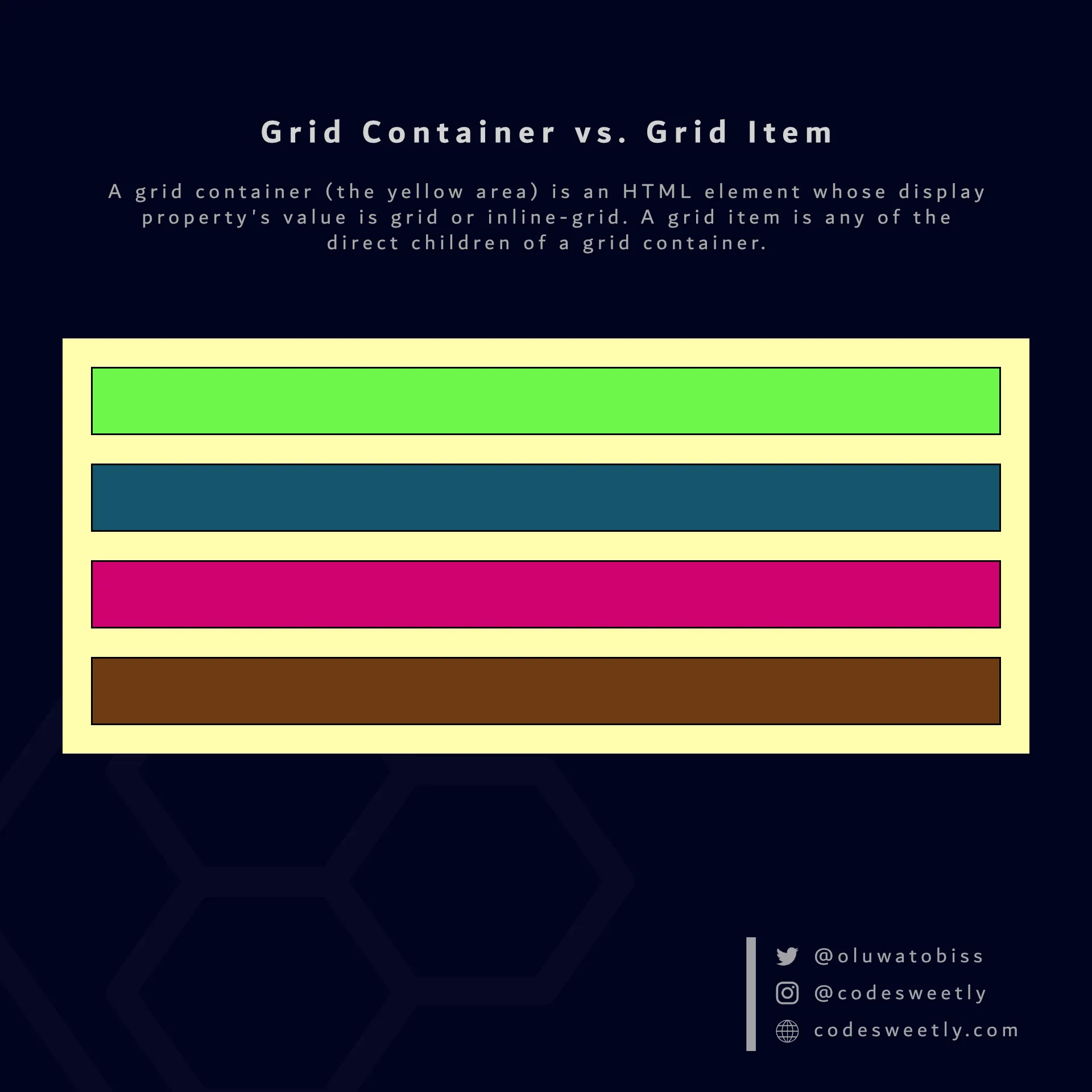
A display property’s grid (or inline-grid) value creates a grid container and grid items
What Is a grid Value in CSS?
Section titled “What Is a grid Value in CSS?”grid tells browsers to display the selected HTML element as a block-level grid box model.
In other words, setting an element’s display property’s value to grid turns the box model into a block-level grid layout module.
Here’s an example:
section {  display: grid;  background-color: orange;  margin: 10px;  padding: 7px;}
div { background-color: purple; color: white; margin: 5px; padding: 10px; border-radius: 5px;}<section> <div>1</div> <div>2</div> <div>3</div> <div>4</div></section><section> <div>5</div> <div>6</div> <div>7</div> <div>8</div></section>The snippet above used the grid value to convert the HTML document’s <section> elements from regular <section> nodes to block-level grid box models.
Let’s now discuss the inline-grid value.
What Is an inline-grid Value in CSS?
Section titled “What Is an inline-grid Value in CSS?”inline-grid tells browsers to display the selected HTML element as an inline-level grid box model.
In other words, setting an element’s display property’s value to inline-grid turns the box model into an inline-level grid layout module.
Here’s an example:
section {  display: inline-grid;  background-color: orange;  margin: 10px;  padding: 7px;}
div { background-color: purple; color: white; margin: 5px; padding: 10px; border-radius: 5px;}<section> <div>1</div> <div>2</div> <div>3</div> <div>4</div></section><section> <div>5</div> <div>6</div> <div>7</div> <div>8</div></section>The snippet above used the inline-grid value to convert the HTML document’s <section> elements from regular <section> nodes to inline-level grid box models.
Properties for Specifying a Grid’s Layout
Section titled “Properties for Specifying a Grid’s Layout”On converting a regular HTML element to a grid (or inline-grid) box model, the grid layout module provides two categories of properties for positioning the grid box and its direct children:
- Grid container’s properties
- Grid item’s properties
What Are the Grid Container’s Properties?
Section titled “What Are the Grid Container’s Properties?”A grid container’s properties specify how browsers should layout items within the grid box model.
The eight (8) types of grid container properties are:
grid-template-columnsgrid-template-rowsgrid-auto-columnsgrid-auto-rowsjustify-contentjustify-itemsalign-contentalign-items
What Are the Grid Item’s Properties?
Section titled “What Are the Grid Item’s Properties?”A grid item’s properties specify how browsers should layout a specified item within the grid box model.
The ten (10) types of grid item properties are: